

 GoEdit for Confluence Cloud
Edit every attachment right where it lives.
Open Word, Excel, PowerPoint and PDF attachments in your browser, work on them alone or together in real time, or use any native desktop app. GoEdit keeps locks and versions in order while you do.


Attachment work without the download, re-upload routine.
GoEdit brings powerful attachment editing, locking and management directly into Confluence.
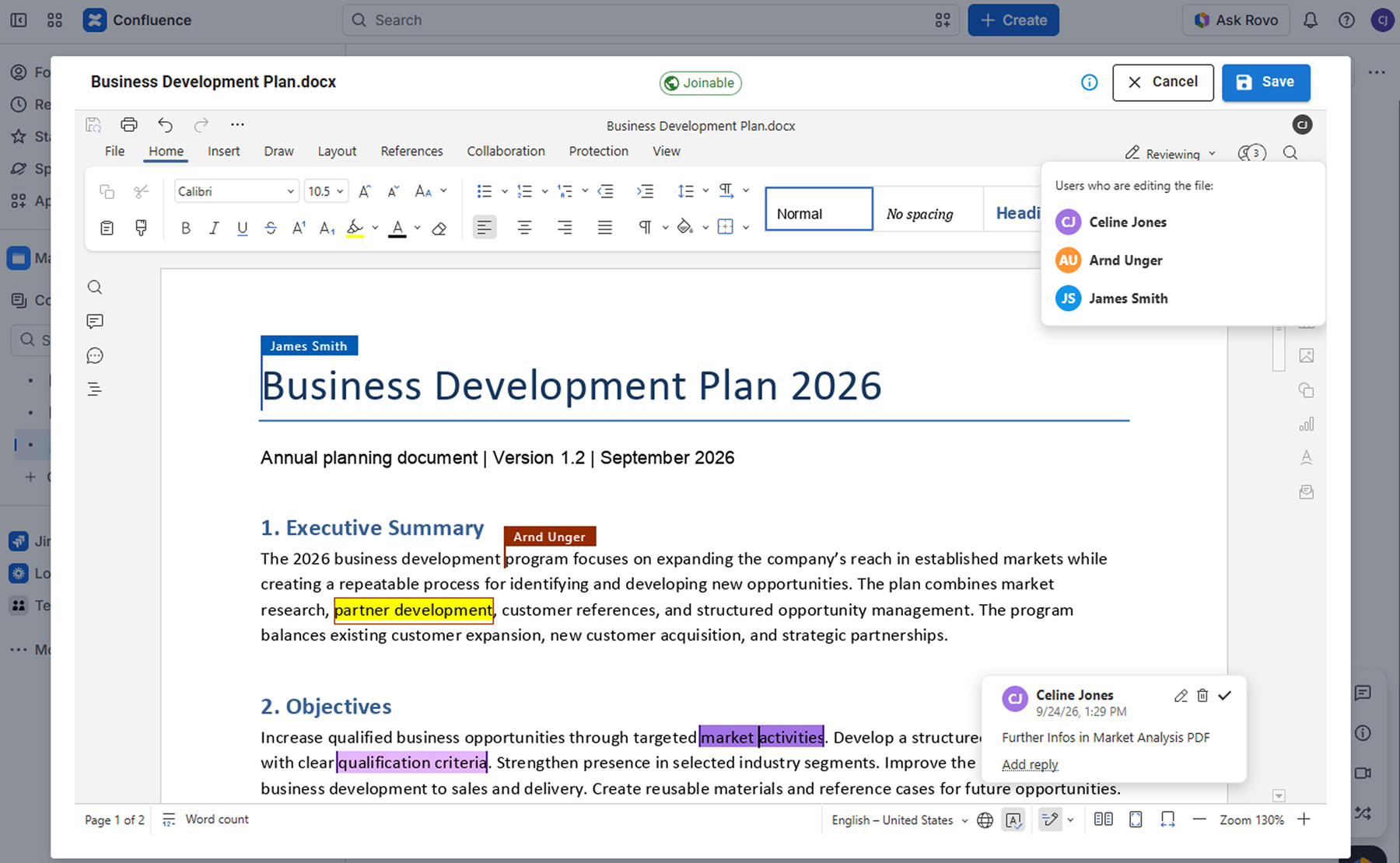
Edit and collaborate directly in Confluence
Edit Word, Excel and PowerPoint attachments without local Office apps. Choose private editing or collaborate in real time with your team.
- Edit Word, Excel and PowerPoint attachments in your browser
- Work privately or collaborate in real time
- No local Office installation required!
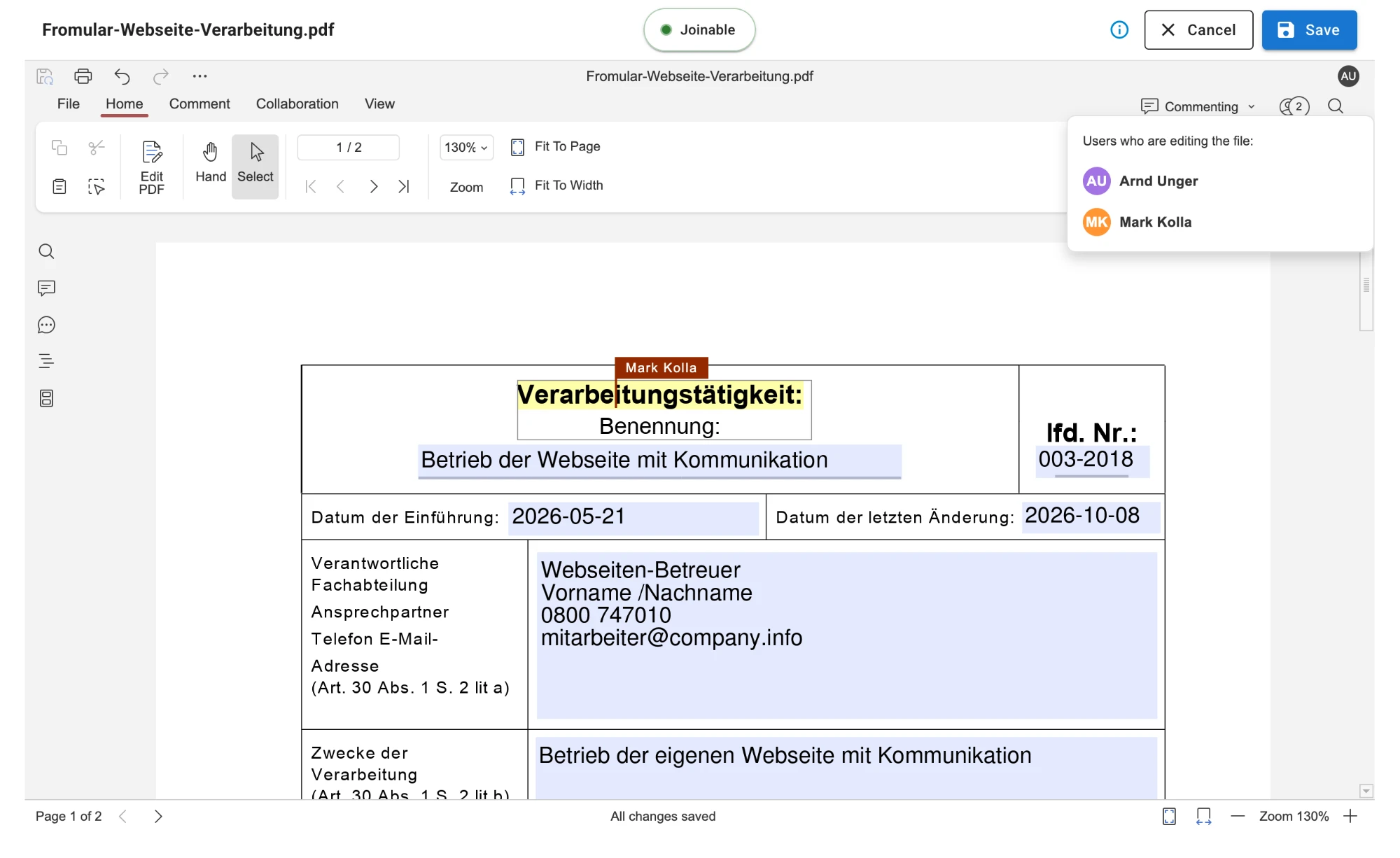
Edit PDF documents
Work on existing PDF documents directly in Confluence. With tools for commenting, annotating, redacting, and working with forms, you have everything you need for efficient PDF workflows.
- Edit PDF attachments in your browser
- Work privately or collaborate in real time
- Forms, Comments, Annotations and redactions
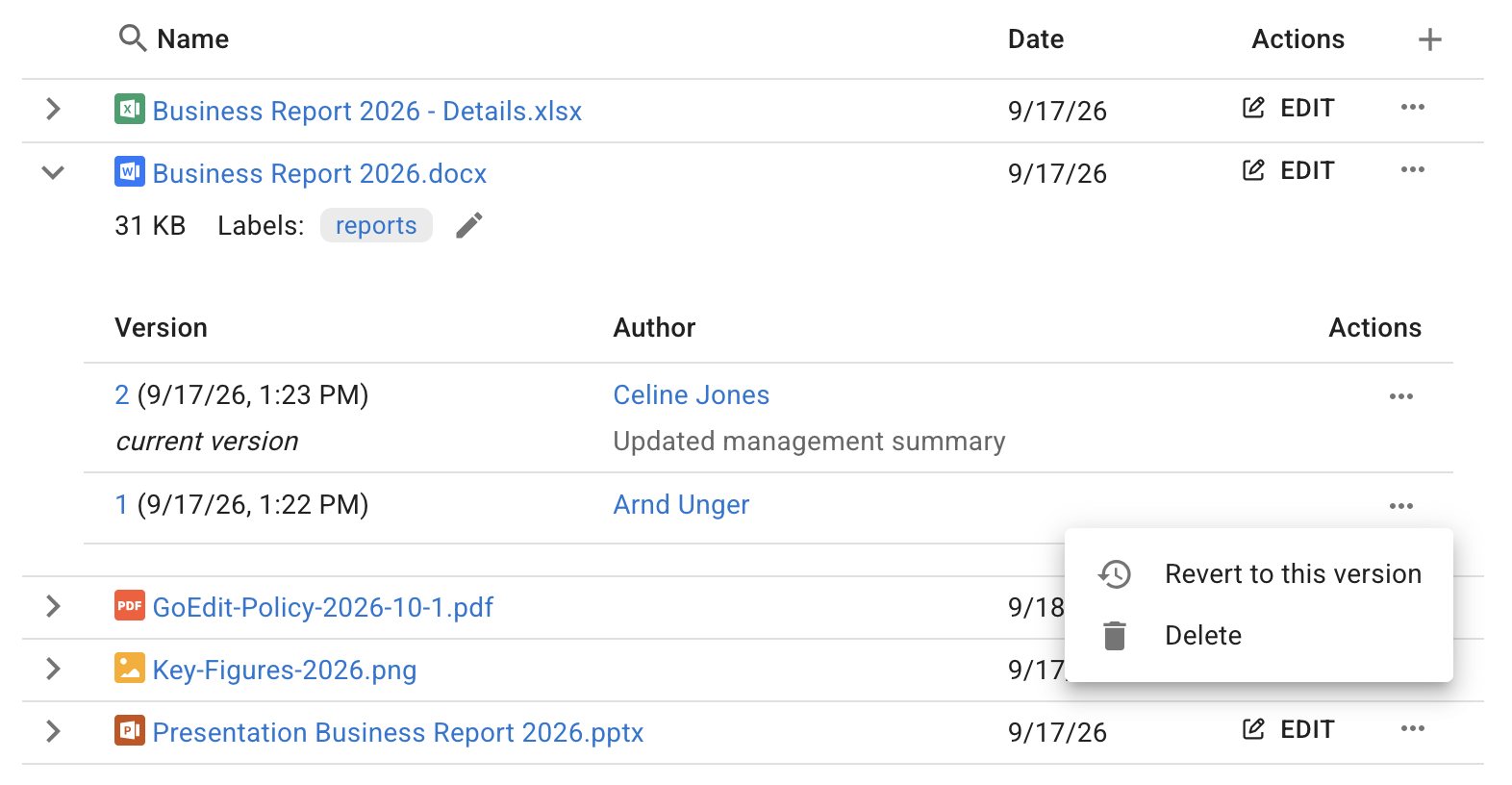
Manage attachments & versions
Manage all attachments, including non-Office files, versions, labels and properties in the advanced attachment widget on your Confluence page.
- Access attachments from any Confluence page or embed the advanced attachment widget
- Manage files, versions, labels, properties and restore previous versions
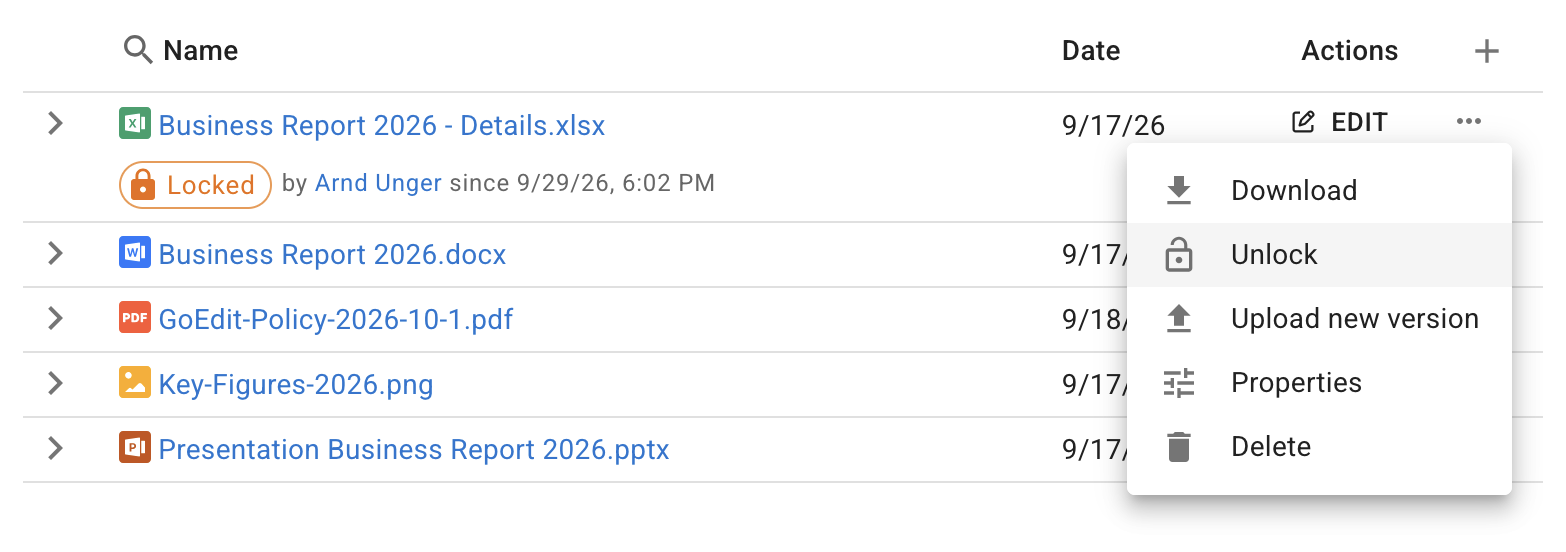
Integrated Attachment Locking & Control
Within GoEdit workflows, attachments are automatically protected against concurrent editing while you work on them.
- Protect attachments with automatic and manual locking
- See who holds a lock and let space admins resolve stale locks
Manage edits with GoEdit Desktop
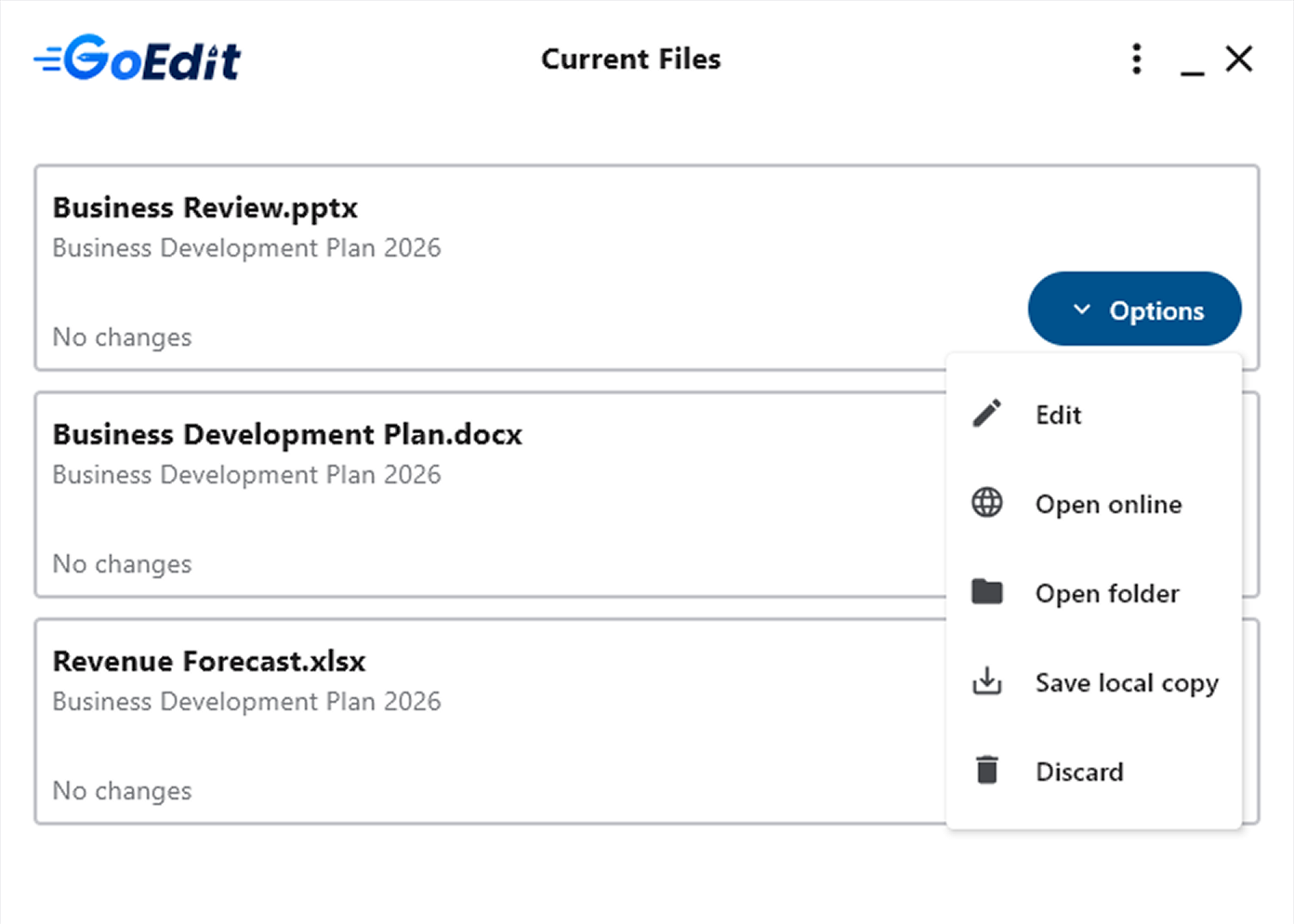
Open any file type in compatible native desktop apps and use their full capabilities. GoEdit Desktop manages active edits while files stay local.
- Edit any file type in compatible native desktop apps and use their full capabilities, including macros, add-ins and advanced formatting
- Manage active edits with GoEdit Desktop: resume, upload or discard changes
- Keep files local during desktop editing for compliance-focused workflows
Two editions. Start in the browser, add the desktop when you need it.
Standard covers browser editing and collaboration. Advanced adds complete document workflows across browser and desktop.
| Feature | Standard | Advanced |
|---|---|---|
| Standard – Edit and collaborate on Office documents directly in Confluence | ||
| Edit Office attachments in your BrowserWork with Word, Excel and PowerPoint attachments without leaving Confluence. | ||
| Real-time collaboration on Office filesWork together on the same Office attachment simultaneously. | ||
| Edit in private or collaboration modeChoose private mode for exclusive editing, or collaboration mode for simultaneous editing. | ||
| Real-time edit PDFs in your BrowserEdit PDFs privately or collaborate in real time with annotations and comments. | ||
| Easy access attachments from any pageSimply click the “Attachments” menu item available on every Confluence page to manage and edit attachments - without the need to embed a widget. | ||
| Advanced attachment/version managementManage all attachments, including non-Office files, versions, labels and properties in the advanced attachment widget on your Confluence page. | ||
| Integrated attachment lockingWithin GoEdit workflows, attachments are automatically protected against concurrent editing while you work on them. | ||
| No local Office installation requiredEdit and collaborate on Office attachments in the browser, eliminating the need for desktop applications and can reduce licensing and management costs | ||
| Advanced – Complete document workflows across browser and desktop. Everything from Standard, plus: | ||
| Use the full power of desktop appsOpen attachments in native desktop apps and use their full feature set such as macros, add-ins and complex formatting beyond browser-based editors. | ||
| Work with any file type and desktop appWork with all file types supported by applications installed on your computer. Apps must save files back in the same format they were opened in. | ||
| Manage active edits with GoEdit DesktopResume, upload, discard and manage active attachment editing sessions from one desktop application. | ||
| Advanced Attachment Locking & ControlLock/unlock attachments manually, see who holds a lock, and let space admins resolve stale locks. Locks are enforced across all GoEdit workflows. | ||
| Attachment Version RestoreAccidentally overwritten a document? Restore a previous attachment version directly in Confluence. | ||
Pricing and free trials are available on the Atlassian Marketplace. See the requirements for supported apps and file types.
Trusted by teams from Disney to UNICEF.
What customers say about editing their Confluence attachments with GoEdit.
Super product, finally we don't need SharePoint anymore.
“Awesome, it greatly simplifies the process of editing attached files!”
“GoEdit helped us grow significantly the amount of active users.”
Customers


Make attachment editing a one-click task.
Install GoEdit from the Atlassian Marketplace and try it with your team in your own Confluence Cloud site.